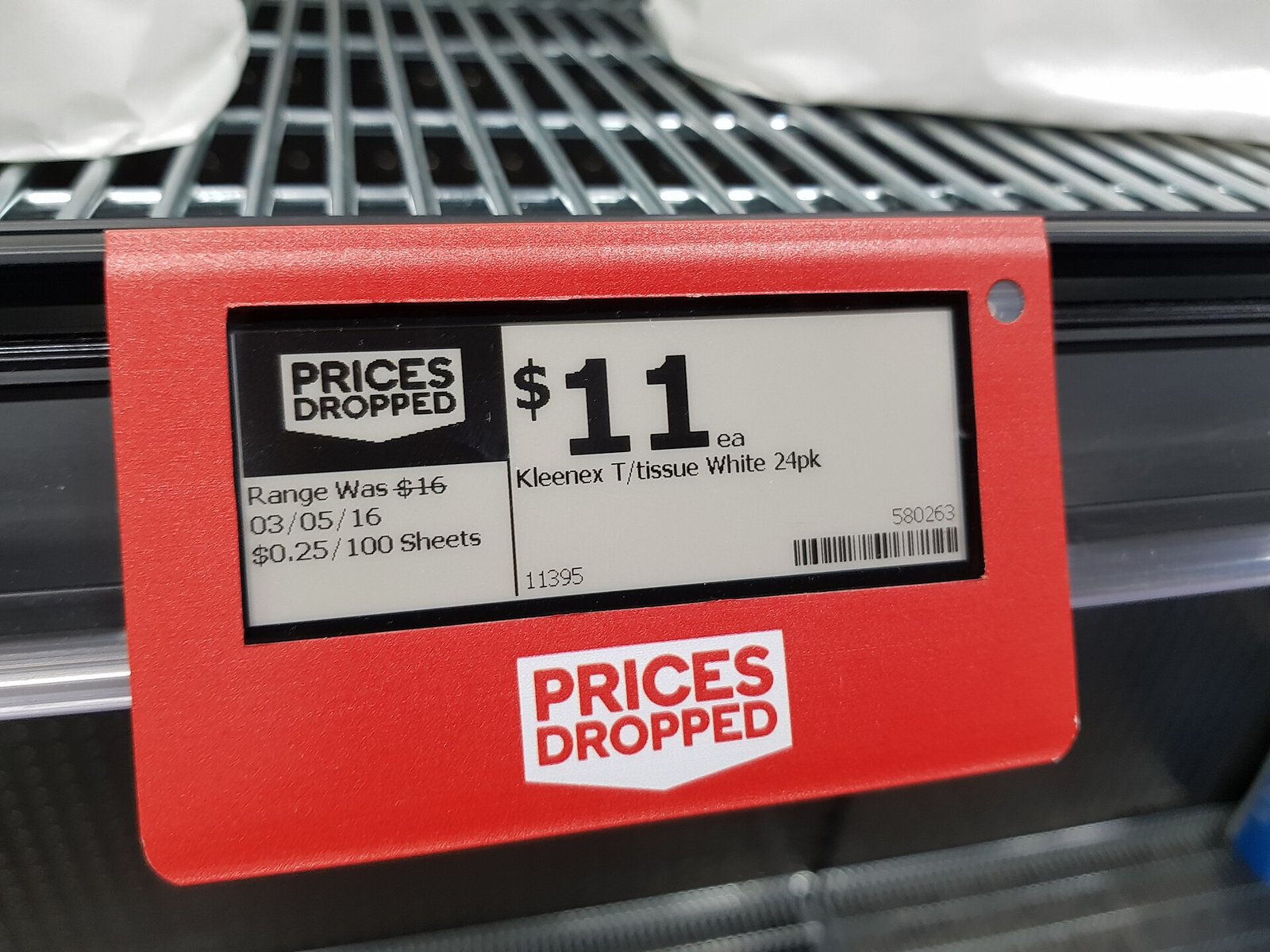
An electronic shelf label does not automatically know what your register will charge. Product data must move from an approved source through a connector, management software, and a label communication system. Each part needs an owner and a defined behavior when it fails.
Use this checklist with your POS provider and prospective ESL supplier. Compatibility depends on the exact products, versions, account permissions, and pricing rules. There is no promise that every POS works with every label system, including PriceTaglet.
Name the source of truth for each price
For many fixed-price retailers, the POS or its connected pricing service should be the authority. The label software displays the approved price rather than creating an independent one. Write down the direction of data flow and which system can approve a change.
If an ERP, e-commerce platform, or central pricing engine sets prices, trace how that value reaches both the POS and labels. Do not let two systems independently round, apply a markup, or calculate a promotion unless the rules and their agreement are explicitly tested.
- Who owns base prices, store-specific overrides, promotion dates, and emergency corrections?
- Are changes one-way to the label system, or is any write-back to the POS required and authorized?
- Which system wins if someone edits a label manually? Is the edit blocked, temporary, or overwritten on the next sync?
- What should checkout and the shelf display while a scheduled change is only partially delivered?
Market-linked formulas are a separate requirement, not a prerequisite for ESL. If you use them, agree on the feed, timestamp, formula, rounding, and checkout handoff. Ordinary fixed-price products should not change merely because a market feed updates.
Confirm API access before assuming a connector will work
Give the supplier your POS name, edition, version, cloud or local deployment, region, subscription tier, and store structure. Ask whether the proposed connection is a supported connector, a custom project, or a file-based process. A connector for one edition may not support another.
- Access rights: confirm that your account can read products, variants, store prices, and promotion details. Some fields or APIs require extra plans or vendor approval.
- Delivery method: identify webhooks, polling, scheduled exports, or a manual import. Record the delay and operational work each introduces.
- Limits: check rate limits, pagination, batch sizes, maintenance windows, and the capacity needed for a full refresh after an outage.
- Authentication: use vendor-approved credentials with minimum permissions. Name who rotates secrets and monitors expiry; avoid shared administrator logins.
- Testing: request a sandbox or approved test products and a method that does not alter live selling prices unintentionally.
A CSV import can be appropriate for an agreed batch workflow, but it is not continuous synchronization. Confirm who exports, checks, and imports the file, how stale files are rejected, and whether the timing fits your price-change process.
Map identifiers and price fields explicitly
Use stable internal identifiers to associate products with labels. A barcode can be useful, but it may be missing, reused, or shared across packaging or variants. Document how the integration distinguishes stores, variants, units, and more than one display of the same item.
| Field or rule | Agreement to record |
|---|---|
| Product and variant IDs | Stable source ID, SKU or barcode aliases, pack size, and handling of duplicates or missing IDs. |
| Store and label IDs | Store-specific price selection, physical tag mapping, and one product displayed on multiple tags. |
| Description and variant text | Customer-facing name, size or color, maximum length, and a safe layout if text is too long. |
| Selling price and currency | Authoritative value, decimal precision, rounding, currency symbol, and whether tax is included. |
| Unit price | Unit basis and quantity, where it is calculated, and local display requirements for the product. |
| Promotions and conditions | Start and end times, time zone, qualifying quantity, membership conditions, and priority over other prices. |
| Price mode and override | Fixed, promotional, or formula-based behavior; authorized override, approval, and expiry rules. |
| Status and version | Active or deleted product, effective time, update version, and timestamps used to reject stale changes. |
Decide what happens when a field is invalid. A blank, negative, or missing price must not silently become zero. The safe outcome may be rejecting the update, alerting staff, and using the agreed display fallback. Specify it rather than leaving it to a default.
Test fixed prices and the promotions you really sell
For a fixed-price item, verify that a normal POS change reaches every assigned tag and that an unrelated feed or template refresh does not recalculate its price. Test store overrides, manual markdowns, and the return from a temporary sale to the approved base price.
A shelf price is not always the same as a basket-level discount. Loyalty offers, multi-buy deals, coupons, weighted items, and customer-specific prices may need qualifying text or may be outside the connector's scope. Do not display a conditional offer as an unconditional selling price.
- Check sale start and expiry at the store's local time, including time-zone and daylight-saving behavior where applicable.
- Verify decimal places, rounding boundaries, taxes, fees, and unit prices against a real test transaction.
- Check both a chain-wide price and a local override, and confirm no other store receives the local price.
- Define how sold, discontinued, reassigned, or temporarily unpriced products are removed from a display.
Record unsupported rules and the manual process for them before purchase. A narrowly supported, documented workflow is more reliable than a broad claim of compatibility.
Define what "updated" means end to end
Distinguish a source change, a connector receipt, a queued label job, a transmission, a device acknowledgement, and a verified screen. An acknowledgement may not prove that the customer-facing image is correct; ask exactly what the status measures.
Agree on an update target measured from the approved source event, plus the maximum acceptable delay and alert threshold. Test a large batch as well as a single item. The POS and label update paths may not be atomic, so plan how staff handle the interval when only one side has changed.
Require a way to trace a product ID, tag ID, source version, effective price, and timestamps through the flow. Retries should not create duplicate jobs indefinitely, and older events should not overwrite a newer approved price. Ask how a full reconciliation detects missed changes after a lost webhook or interrupted import.
Run mismatch and offline tests, not just a happy path
Agree on a controlled pilot and fallback with both providers. Use test items and authorized interruptions; do not disconnect production equipment casually. For each test, record the expected shelf display, checkout result, alert, recovery action, and evidence.
- Ordinary change: edit a fixed-price item at the source, time delivery, inspect every assigned tag, and scan it at checkout.
- Promotion boundary: start and expire a sale, including a store override and a conditional offer. Confirm the return price and wording.
- Bad mapping: try a missing product ID, duplicate barcode, reassigned label, and deleted item. Verify that no unrelated product receives the price.
- Delayed or repeated event: deliver an older update after a newer one and retry the same event. Confirm the newest approved state survives.
- Access failure: simulate an expired credential, rate limit, or unavailable POS API. Check visibility, retry limits, escalation, and reconciliation.
- Offline display: interrupt the gateway or its network link, change a test price, and observe which tags become stale. Restore access and verify that the latest valid price wins.
- Mismatch handling: create a known test discrepancy and verify the staff report, physical check, correction, and approved checkout procedure.
E-paper can retain its last image when a gateway or battery fails. That is display persistence, not proof of price accuracy. Define how staff identify stale tags and when they must correct, cover, or replace the display under store policy and applicable pricing rules.
Give the connection an owner after launch
Before rollout, obtain a signed field map, supported-rule list, test results, monitoring plan, and escalation contacts. Name who supports the POS API, connector, label software, network, and hardware. An issue crossing two suppliers still needs one person responsible for coordinating a fix.
Document credential renewal, daily exception review, periodic price reconciliation, label reassignment, and retesting after POS or connector upgrades. Include an exit plan for product mappings and data if you change suppliers.
Carry any connector development, recurring API charges, hosting, and maintenance into the ownership-cost worksheet. If a necessary field or pricing rule cannot be supported, resolve the gap or choose a different workflow before buying more hardware.